
Menu boards and displays
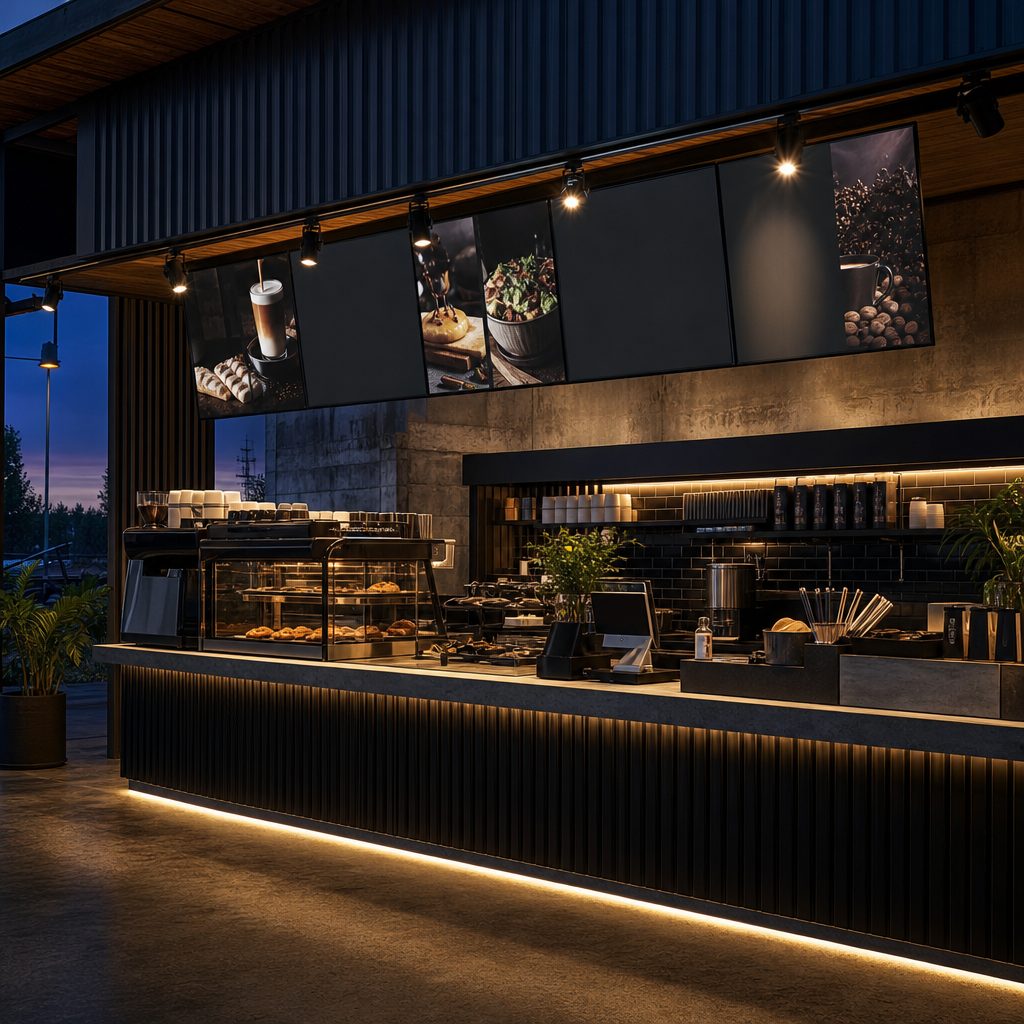
Menu boards and displays present products, prices and choices where customers make purchasing decisions. The right format depends on update frequency, viewing distance, environment and operating workflow. Static boards suit stable menus, while digital displays support scheduled content, rapid updates, motion and centralised management across one or more venues.
Introduction
Choosing a menu display involves more than deciding between print and a screen. Operators need to consider readability, pricing compliance, mounting conditions, content ownership and ongoing maintenance. This guide explains those decisions so Australian venues can specify signage that works during real service, not only in a showroom.
A strong menu board reduces friction. Customers can understand the offer, compare options and order with confidence. A weak board creates questions at the counter, slows queues and forces staff to explain information that the display should communicate.
Ready to make your business impossible to miss?
Design, manufacture and installation, all under one roof in Warana.
Get a Free QuoteKey takeaways
The best menu board is the one that remains clear, accurate and practical throughout daily service. Technology matters, but it is only one part of the system. Content hierarchy, viewing conditions, update responsibilities and professional installation determine whether the finished display supports customers or becomes another operational problem.
- Choose static, interchangeable or digital displays according to how often content changes.
- Design for the customer's viewing distance and decision sequence, not just the available wall.
- Keep product names, prices and essential qualifiers visually clear.
- Specify digital hardware for its actual environment, orientation and operating schedule.
- Decide who owns content updates before installation.
- Test the complete menu from the customer's position before approving production.
Summary table
Menu board formats solve different operational problems. Static boards offer simplicity, interchangeable systems make controlled changes easier, and digital displays support frequent updates and scheduled content. The most expensive technology is not automatically the best choice. The correct option is the one your team can operate accurately and consistently.
| Menu board option | Best suited to | Main strength | Main limitation | Key planning question |
|---|---|---|---|---|
| Printed panel | Stable menus and permanent service areas | Simple and dependable | Changes require new artwork or production | How often do products and prices change? |
| Interchangeable board | Venues with regular but controlled changes | Staff can replace selected elements | Manual updates require disciplined checking | Can staff update every affected panel correctly? |
| Magnetic or slotted system | Daily specials and rotating offers | Flexible physical content | Loose components can become inconsistent | Where will spare components be stored? |
| Digital menu board | Frequent changes, scheduled menus and multiple content states | Fast, flexible content control | Requires hardware, software and content management | Who will publish and approve updates? |
| Hybrid display | Stable core menu with changing promotions | Balances reliability and flexibility | Mixed formats require a unified design | Which information genuinely needs to change? |
What are menu boards and displays?
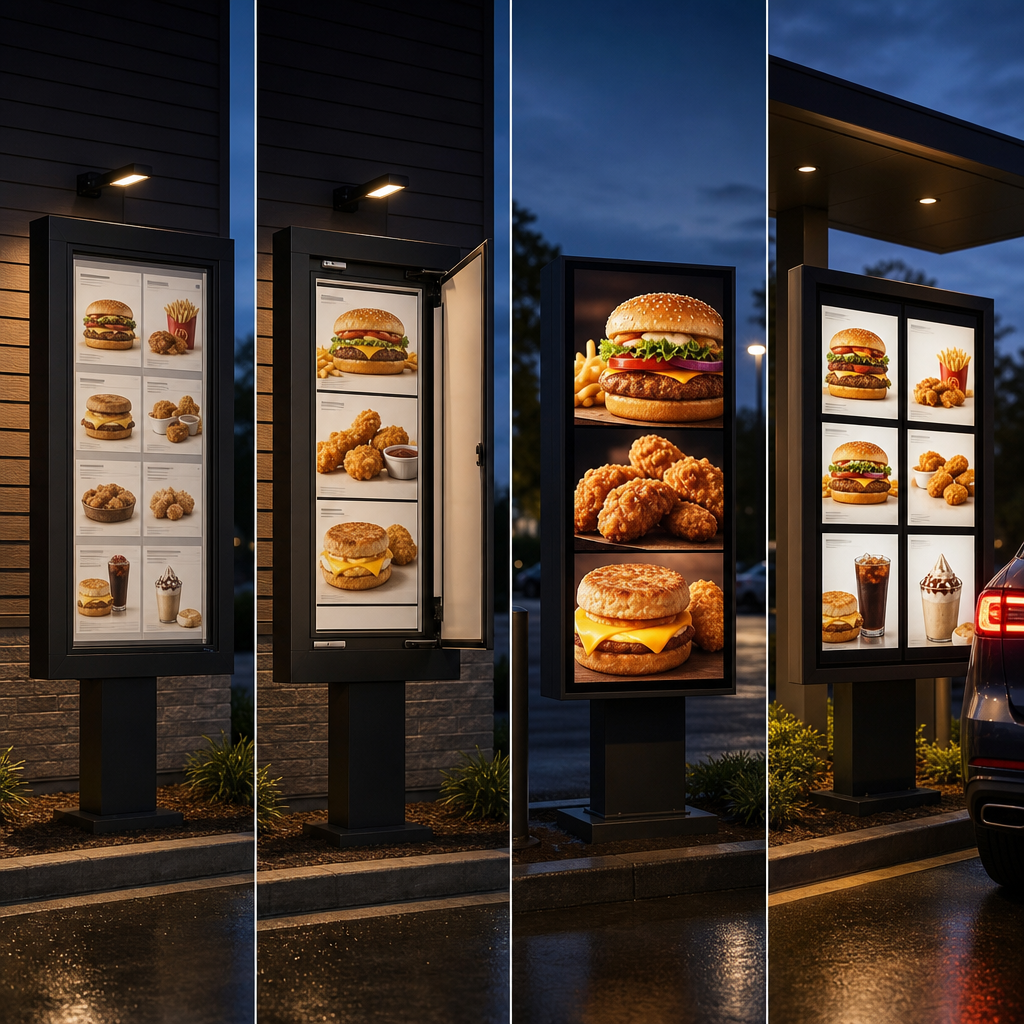
Menu boards and displays are visual systems that organise products, descriptions, prices, options and promotional messages at the point of choice. They can use printed panels, changeable components, illuminated graphics or digital screens. Their purpose is to make ordering easier while presenting the venue's brand consistently and accurately.
Although the terms are often used interchangeably, a menu board is usually the complete customer-facing system. A display may refer to an individual panel, screen, lightbox or freestanding unit within that system.
Common applications include:
- Cafes, restaurants and takeaway shops
- Food courts and drive-through service areas
- Pubs, clubs and entertainment venues
- Bakeries, delicatessens and fresh food retailers
- Cinemas and visitor attractions
- Corporate cafeterias and education facilities
- Health, sport and community venues
Menu signage also extends beyond the main ordering counter. It can include window displays, entry menus, queue signage, promotional screens, table displays and collection-point information.
The most effective systems allocate a clear role to each display. An entry board might explain the offer. An overhead board supports product comparison. Counter signage can handle optional extras. Collection signage confirms where customers should wait.
Trying to place every message on one board usually produces clutter. Customers then have to search through too much information while staff wait for a decision.
Which type of menu board should you choose?
Choose a menu board by matching its update method to the way your venue operates. Stable menus generally suit printed or illuminated panels. Frequently changing menus favour interchangeable or digital formats. A hybrid system often works best when core products remain fixed but availability, promotions or service periods change regularly.
Static printed menu boards
Printed boards suit businesses with a stable product range and straightforward pricing. They have no software, network connection or content scheduling to manage. Once installed, they remain visible without requiring staff intervention.
Production options can include direct printing, applied graphics or replaceable printed inserts. The appropriate material depends on mounting location, cleaning requirements, glare and whether the sign is used indoors or outdoors.
Their main weakness is update speed. A price adjustment, unavailable product or corrected description may require revised artwork and replacement production. Operators should keep editable source files and a documented approval process so future changes do not require rebuilding the entire menu.
Interchangeable menu systems
Interchangeable boards use removable strips, cards, tiles, magnetic elements or inserts. They work well when selected products change but the overall menu structure remains consistent.
The operational risk is inconsistency. A team member might replace a product name but overlook its price elsewhere. Spare components can also become damaged, misplaced or visually mismatched over time.
A controlled storage method and update checklist make these systems more reliable. Every change should include a review of related prices, options, availability notes and promotional messages.
Digital menu boards
Digital menu boards use commercial displays and content management software to present still images, text, video or scheduled layouts. They are useful when content needs to change by service period, location or availability.
For example, consider a hypothetical cafe serving breakfast before switching to lunch. Scheduled digital content can replace the entire menu at the relevant time. Staff do not need to cover old items or manually replace panels during service.
Digital does not mean every element should move. Constant animation can compete with the information customers need to read. Motion is most useful for a focused promotional area, while core product and price information remains stable.
Hybrid systems
A hybrid system combines permanent signage with a smaller changeable area. A venue might use printed panels for its core range and a digital display for specials, seasonal products or service updates.
This approach can reduce unnecessary complexity. It also provides a stable fallback if changing content is unavailable. The challenge is visual coordination. Printed and digital components need consistent typography, spacing, naming and price treatment so the installation reads as one system.
How should a menu board be designed for readability?
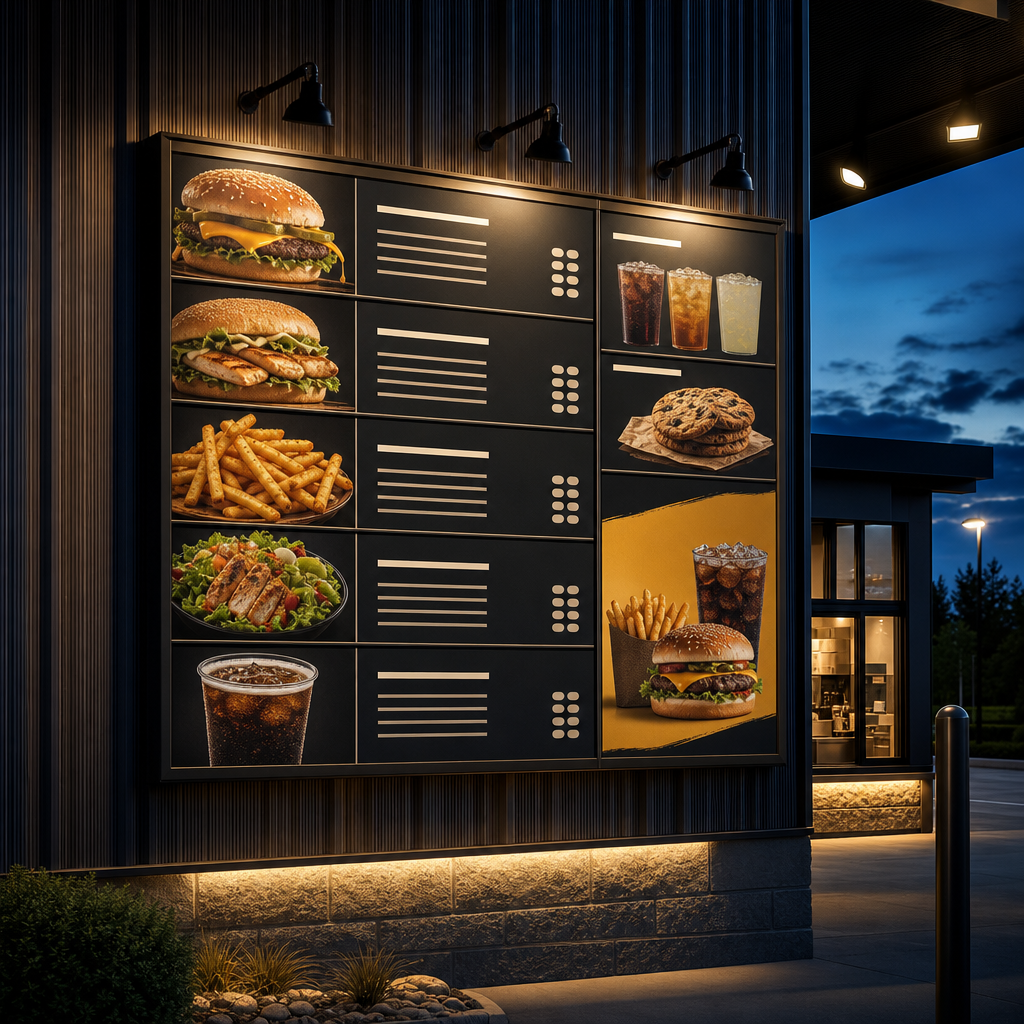
A readable menu board presents information in the order customers need it: category, product, essential description, options and price. Strong hierarchy is more important than decorative detail. Type size, contrast, spacing and line length must be tested from the actual viewing position under the venue's normal lighting conditions.
Start with the decision path
Do not begin by filling a template. Begin with the customer's questions:
- What type of product do I want?
- What choices are available?
- What is included?
- Which size or option suits me?
- What does it cost?
- Are there relevant conditions or dietary details?
The layout should answer those questions in sequence. Clear category headings help customers narrow the field before reading individual products.
Establish a useful hierarchy
Not every element deserves equal emphasis. Product categories and names normally need more prominence than secondary descriptions. Prices must remain easy to associate with the correct item.
Avoid a scattered layout where customers must repeatedly look from the left side of a board to a price column on the far right. Long dotted lines are not a substitute for clear alignment. Group each price close enough to its product that the relationship remains obvious.
Promotions need restraint. If every item is enlarged, highlighted or labelled as special, the board loses hierarchy. Give the primary menu priority and allocate a defined area for promotional content.
Design for distance, not the desktop
Artwork that looks clear on a computer monitor may fail when installed above a counter. The practical test is to reproduce the intended physical size, then inspect it from where customers will stand.
Account for queue depth, ceiling height and possible obstructions. Pendant lights, counter equipment, stock displays and other customers can block sightlines. A board should not depend on customers reaching the front of the queue before they can begin deciding.
Control glare and contrast
Strong contrast helps text remain distinguishable from its background. The Web Content Accessibility Guidelines published by the World Wide Web Consortium provide useful contrast principles for digital content, although menu boards also need physical testing under local conditions.
Glossy finishes and screens can reflect windows, lights and bright surfaces. A technically sharp display can still be unreadable if reflections sit across the price column. Check the display at different service times because the direction and intensity of ambient light can change.
Keep descriptions concise
Descriptions should clarify meaningful differences, not reproduce long marketing copy. Mention ingredients, format or preparation details that help customers choose. Move extensive explanations to another channel if they make the main menu difficult to scan.
Consistency matters. Use the same naming structure for comparable products and a standard method for sizes, additions and modifiers. Customers should not have to decode a different format in every category.
What should you specify for a digital menu board?
A digital menu board specification should cover commercial display hardware, orientation, brightness, mounting, media delivery, connectivity, ventilation, access and warranty support. It must also define how content will be created and approved. Buying screens before resolving these requirements can leave a venue with unsuitable hardware or awkward layouts.
Commercial displays and operating conditions
A domestic television may display an image, but that does not make it the right product for a commercial installation. A venue should assess the display's intended operating conditions, mounting orientation, warranty terms and compatibility with the content system.
Portrait mounting requires hardware explicitly intended for that orientation. Heat management also matters, particularly in enclosed structures or areas affected by kitchen equipment. The enclosure and mounting arrangement should not obstruct required ventilation.
Outdoor and semi-exposed locations need separate consideration. Brightness, moisture, dust, temperature and direct sunlight can affect hardware selection. An indoor display placed behind glass is not automatically suitable for an outward-facing window application.
Content management
Digital menu content can be delivered through an embedded player, external media player or networked content platform. The right choice depends on scheduling, user permissions, remote management and the number of displays or sites.
Ask practical questions before selecting software:
- Can approved staff make simple price and availability changes?
- Can content be scheduled by service period?
- Can users preview a complete layout before publishing?
- Is there an approval step for sensitive changes?
- What happens if internet access is interrupted?
- Can the system confirm which content is currently playing?
- Who controls access when employees or suppliers change?
A content platform only helps if the venue's team can use it reliably. Complex software may encourage staff to delay updates or create unapproved workarounds.
Resolution and layout
Artwork should match the screen canvas and the complete arrangement of the display wall. Separate screens do not automatically form one continuous canvas. Bezels and physical gaps interrupt content, so critical text should not cross display boundaries.
Landscape screens suit wide category structures. Portrait displays can work for narrow wall sections, individual categories or promotional content. The decision should follow the menu's information structure rather than a preference for a particular screen shape.
Resilience and fallback content
Digital installations need a planned response to faults. That does not always require duplicate hardware. It does require accessible support information and an agreed fallback.
A venue might keep an approved static menu available for temporary use. It might also configure media players to retain the last published content if the network connection drops. The correct approach depends on how critical the display is to service.
Where should menu boards be installed?
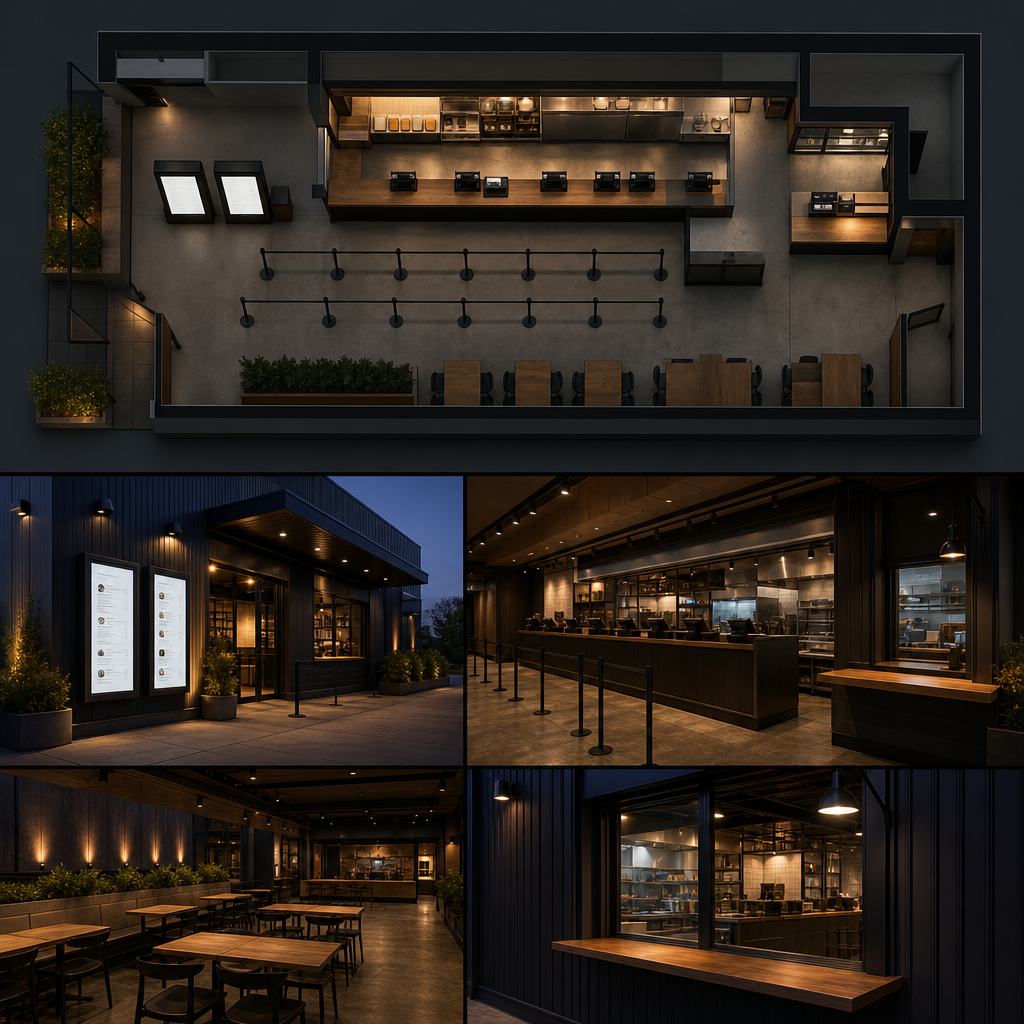
Install menu boards where customers naturally pause, compare and order, with an unobstructed sightline from the approach and queue. Position must account for mounting height, glare, counter equipment, pedestrian flow and maintenance access. A prominent wall is not useful if customers cannot read the content before reaching staff.
Above the service counter
Overhead boards are common because they preserve counter space and remain visible above equipment. They work best when the ordering point and queue direction are predictable.
The complete width needs to be considered. Customers may not be able to scan a long row of panels from a short distance. Categories should follow the order people encounter them, rather than being arranged only for visual symmetry.
At the entrance or queue
An entry display gives customers more decision time. It can show the overall offer, current availability or instructions before they join the queue.
Do not assume this board should duplicate the full overhead menu. An entry display often works better as an orientation tool, while the main board carries detailed choices and prices.
In windows
Window displays can reach passing foot traffic, but they face demanding viewing conditions. Reflections, daylight and competing street visuals can reduce legibility. Content should be simpler and larger than content intended for close indoor viewing.
The mounting method must also preserve access for cleaning and maintenance. Cables, brackets and rear surfaces may be visible from inside, so both sides of the installation need consideration.
Near collection points
Collection areas can support additional messages such as order status, pick-up instructions or complementary products. Keep these messages separate from the main ordering menu where possible. Customers collecting an order have different information needs from those deciding what to buy.
Installation and access
Mounting must suit the wall or supporting structure and account for the combined equipment load. Electrical and data requirements should be confirmed before final fabrication.
Screens, media players and cables also need safe maintenance access. A perfectly flush installation can become expensive to service if components cannot be reached without dismantling surrounding joinery. Professional planning should coordinate signage, electrical work, structure and interior fit-out responsibilities.
How should menu content and prices be managed?
Menu content should have a clear owner, approved source file and controlled publishing process. Every update needs to cover related products, prices, qualifiers and promotional material across all affected displays. Australian operators must also ensure displayed prices and mandatory information remain accurate under applicable consumer and food regulation requirements.
The ACCC explains that businesses must display clear and accurate prices, including applicable compulsory charges. Operators should review current ACCC guidance and obtain appropriate advice for their own pricing practices.
Food labelling and kilojoule menu requirements can vary according to the type, scale and location of the business. State and territory rules may apply alongside the Australia New Zealand Food Standards Code. Do not assume a layout used by another venue satisfies your obligations.
Create a content register
A content register records where each product and price appears. This is particularly useful when the same item is shown on an overhead board, promotional display, ordering system and printed material.
The register does not need to be complicated. It should identify the approved product name, current price, applicable qualifiers, display locations and person responsible for approval. That makes it easier to identify every asset affected by a change.
Separate approval from publishing
The person entering content should not have to guess whether a price or product claim is correct. Approved information should come from the responsible operator before artwork is changed.
For digital systems, user permissions can separate editing and publishing. For static signage, a proof approval process serves the same purpose. Proofs should be checked against source data, not against someone's memory of the previous board.
Remove unavailable choices clearly
Leaving unavailable items visible creates unnecessary customer questions. Digital systems can hide products or replace them with an appropriate availability message. Physical systems need a planned alternative that does not look improvised.
Temporary stickers and handwritten notes may solve an immediate problem, but repeated patches weaken consistency and can obscure nearby information. If availability changes often, that part of the menu may belong in an interchangeable or digital format.
Why the operating system matters more than the screen
My view is that operators spend too much time comparing screen features and too little time designing the menu's operating system. The decisive question is not whether content can change. It is whether the right person can make the right change, verify it and publish it without disrupting service.
This is where many buying guides stop short. They treat menu boards as products. In practice, the display sits inside a chain of decisions involving pricing, stock, promotions, approvals, artwork, publishing and staff communication.
Consider a hypothetical multi-site food operator. A central marketing team controls visual standards, while venue managers know when a product becomes unavailable. If only marketing can publish, local corrections may be delayed. If every manager can redesign layouts, brand consistency and price accuracy may suffer.
A better structure gives each role the access it needs:
- Central administrators control templates, typography and permanent brand elements.
- Approved operators update defined product and price fields.
- Venue staff can change availability within controlled rules.
- Publishing records show what changed and who approved it.
- A fallback process covers faults or urgent corrections.
This principle also applies to physical boards. Interchangeable price strips can be effective, but only if replacement pieces are current, labelled and easy to find. A static board can be the most dependable option when changes are genuinely rare.
The contrarian point is simple: flexibility has a cost. Every editable field introduces another opportunity for inconsistency. The aim should not be maximum flexibility. It should be controlled flexibility where the business genuinely needs it.
How do you brief a menu board supplier?
A useful supplier brief explains the venue, menu structure, viewing conditions, update frequency and operational responsibilities before requesting a product recommendation. Include photographs, wall dimensions, customer flow and current artwork where available. A strong brief helps the supplier solve the communication problem rather than simply price a panel or screen.
Start with these details:
- Venue address and whether the display is indoors, outdoors or semi-exposed
- Photographs of the wall, counter, ceiling and customer approach
- Approximate mounting area and known structural constraints
- Menu categories and the amount of content in each
- Expected frequency and type of updates
- Normal service periods and whether menus change by time
- Available power, data and network arrangements
- Brand files, typefaces and image assets
- Required installation timing and site access conditions
- Responsibility for content creation after handover
Ask the supplier to explain assumptions. If the proposal relies on your team supplying finished artwork, approving structural details or arranging electrical work, those responsibilities should be clear.
Request a scaled visual showing the complete installation in context. Individual product images do not reveal whether the total display will fit the wall, align with the counter or remain visible from the queue.
For a tailored recommendation, contact Sunquest Signs through the contact page at /contact. Provide site photographs and a sample menu so the discussion can begin with the actual communication and installation requirements.
References
These sources provide recognised guidance relevant to price display, food information, digital contrast and Australian compliance. Requirements can depend on location and business circumstances, so operators should check the current rules that apply to their venue rather than treating a signage guide as legal or technical certification.
- Australian Competition and Consumer Commission, "Price displays": https://www.accc.gov.au/consumers/pricing/price-displays
- Food Standards Australia New Zealand, "Labelling": https://www.foodstandards.gov.au/consumer/labelling
- Queensland Health, "Kilojoule menu labelling": https://www.health.qld.gov.au/public-health/industry-environment/food-safety/kilojoule-labelling
- World Wide Web Consortium, "Understanding Success Criterion 1.4.3: Contrast (Minimum)": https://www.w3.org/WAI/WCAG22/Understanding/contrast-minimum.html
- Australian Building Codes Board, National Construction Code: https://ncc.abcb.gov.au/
Talk to a signage expert
Tell us about your project and we'll come back with options and honest advice.
Get in TouchFrequently Asked Questions
Are digital menu boards better than printed menu boards?
Not automatically. Digital boards suit frequent changes, scheduled content and management across several displays. Printed boards are simpler for stable menus. A hybrid installation can keep core information static while using digital space for changing content.
Can a regular television be used as a digital menu board?
A television can display menu artwork, but it may not suit the required commercial operating schedule, mounting orientation, warranty conditions or control system. The complete application should be assessed before hardware is selected.
Should menu board screens be landscape or portrait?
Choose orientation according to the content structure and available wall space. Landscape suits broad menus, while portrait can suit individual categories, narrow areas or focused promotions. The display must support its intended orientation.
How often should menu board content be reviewed?
Review content whenever products, prices, availability, service periods or regulatory information change. Routine checks should also compare every display with the business's approved source of information.
What happens if a digital menu board loses internet access?
Behaviour depends on the media player and content platform. Some systems continue showing downloaded content. Confirm offline operation before purchase and maintain an appropriate fallback for displays that are essential to ordering.
What information should I send for a menu board quote?
Send site photographs, mounting dimensions, menu content, brand assets, the preferred update method and details about power, data, exposure, customer sightlines and responsibility for future content updates.
Signs that set you apart
Over 40 years on the Sunshine Coast. Design, compliance, manufacture and installation handled end to end.
Get a Free Quote